XtendedWMS works natively with Business Central’s warehouse module — no middleware or duplicate databases. All transactions are instantly reflected in BC.


XtendedWMS is a mobile-first warehouse and inventory management solution that helps businesses eliminate warehouse inefficiencies, reduce inventory errors, and boost operational productivity — all while working seamlessly with Microsoft Dynamics 365 Business Central.
Whether you operate a small warehouse or a multi-location facility, XtendedWMS enables your team to perform faster and smarter. It leverages barcode and QR scanning on Android-based handhelds and mobile devices to deliver real-time inventory updates—no middleware required.

*grandviewresearch
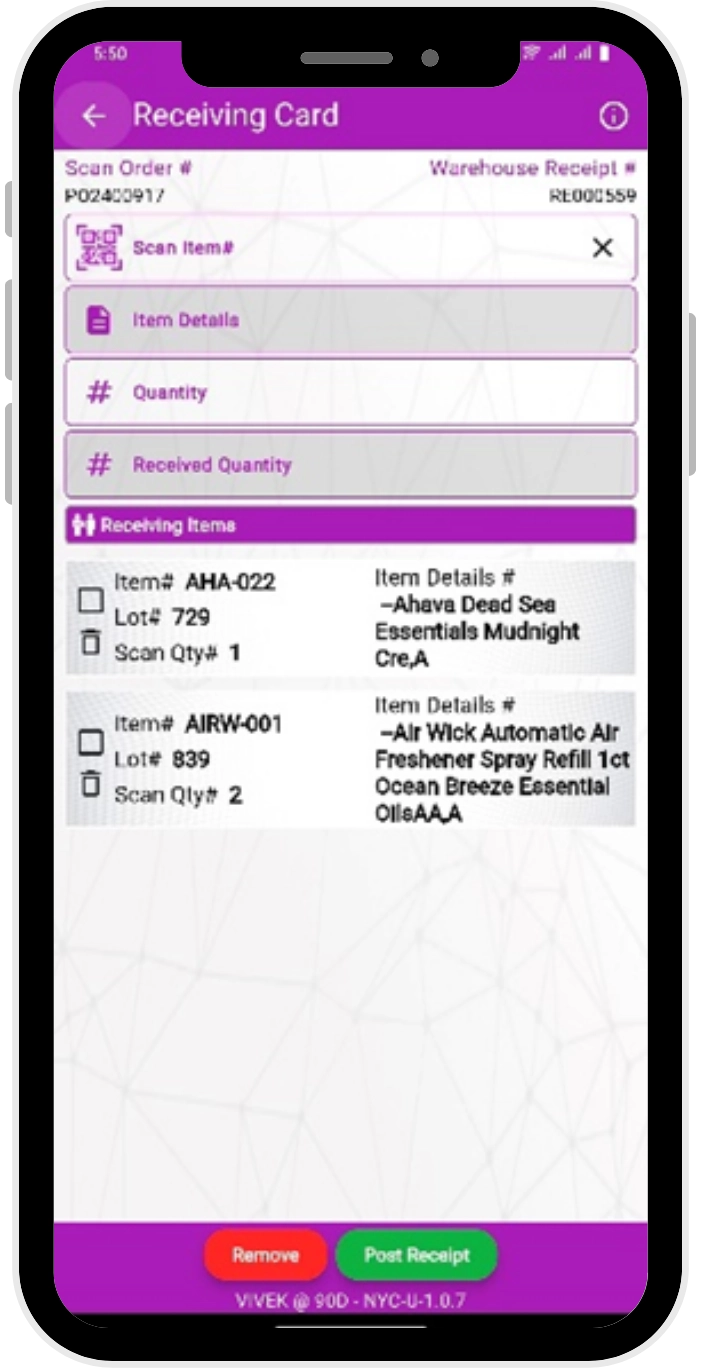
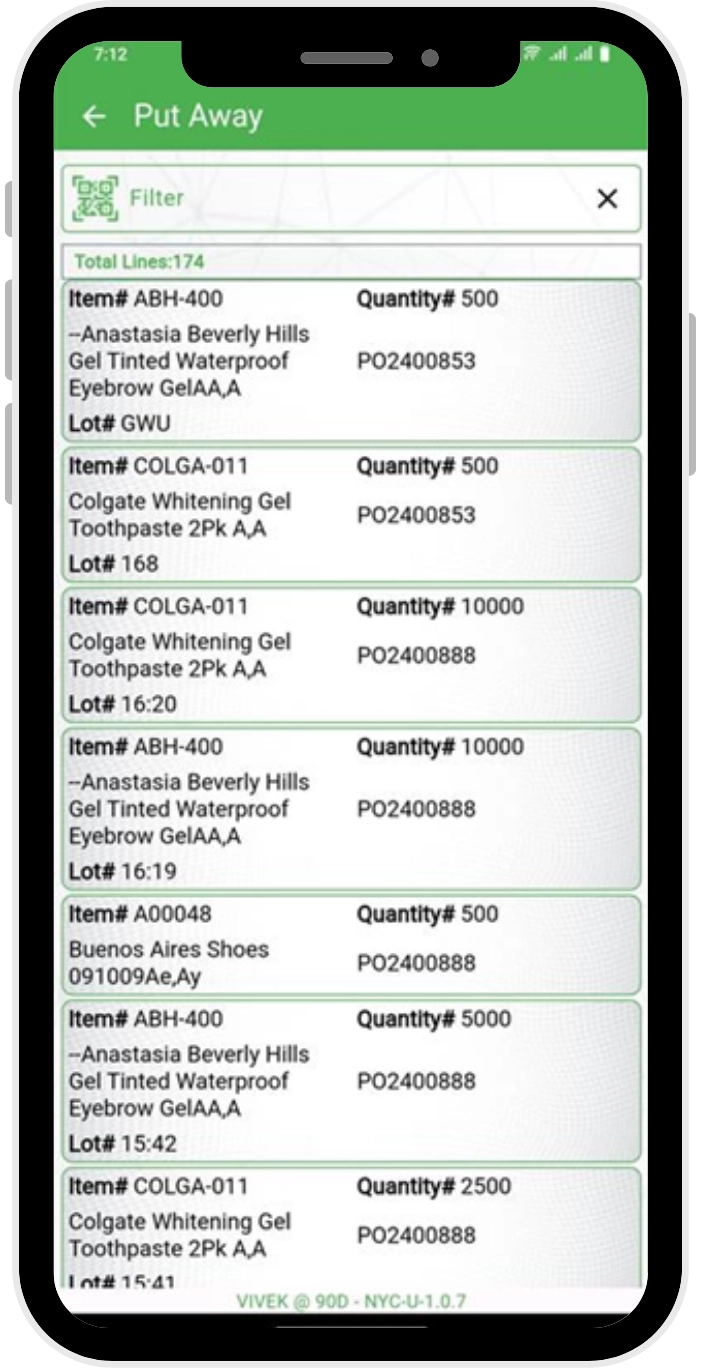
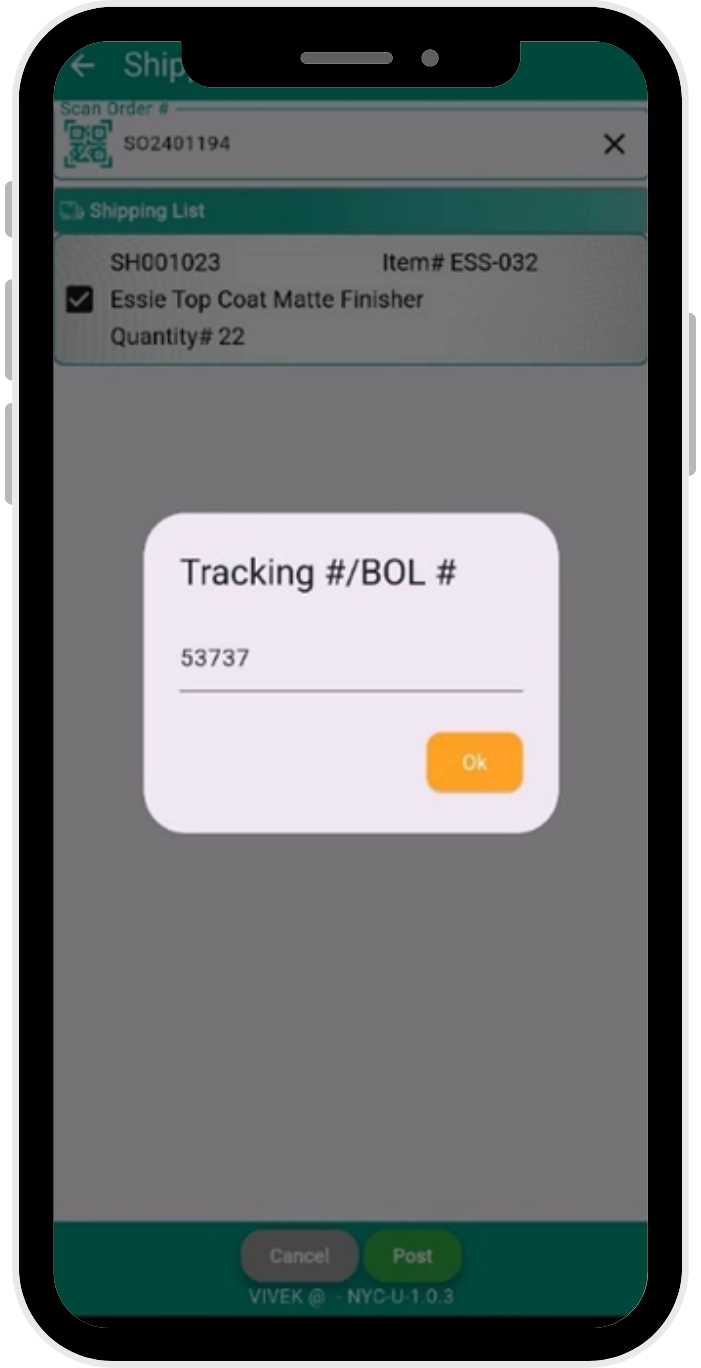
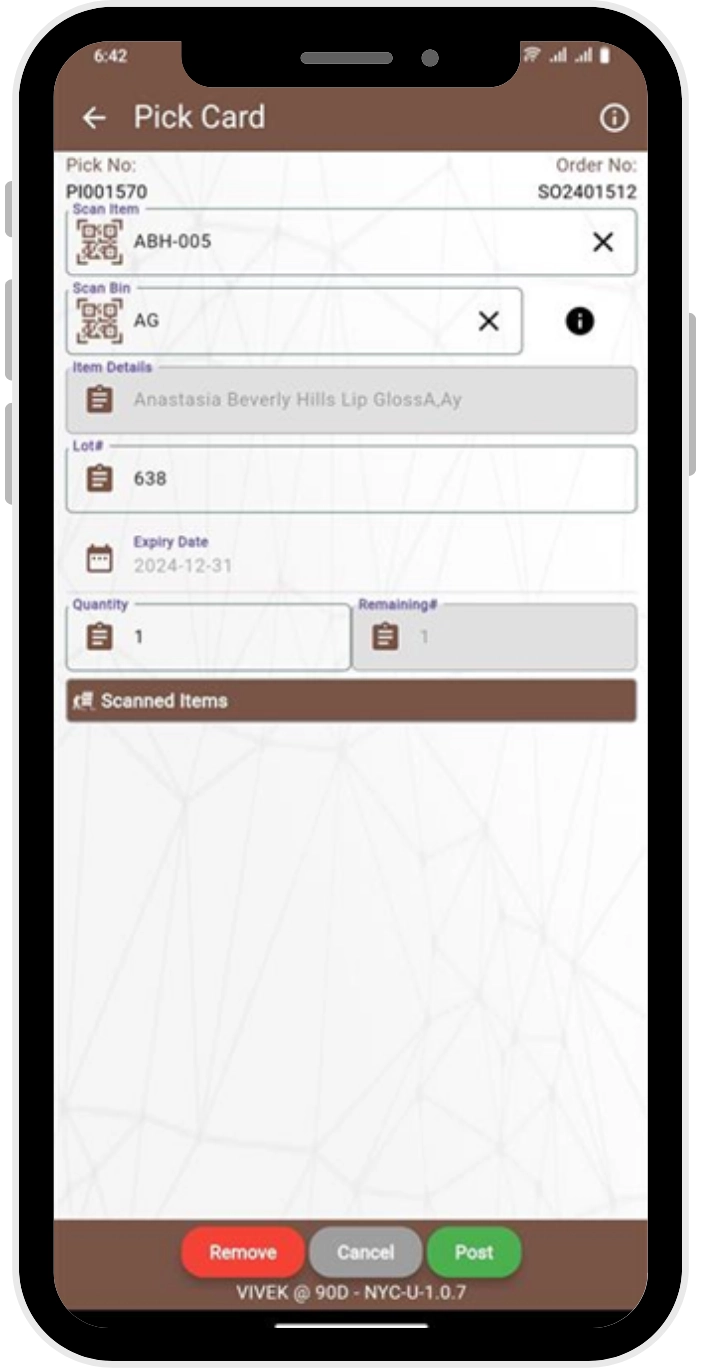
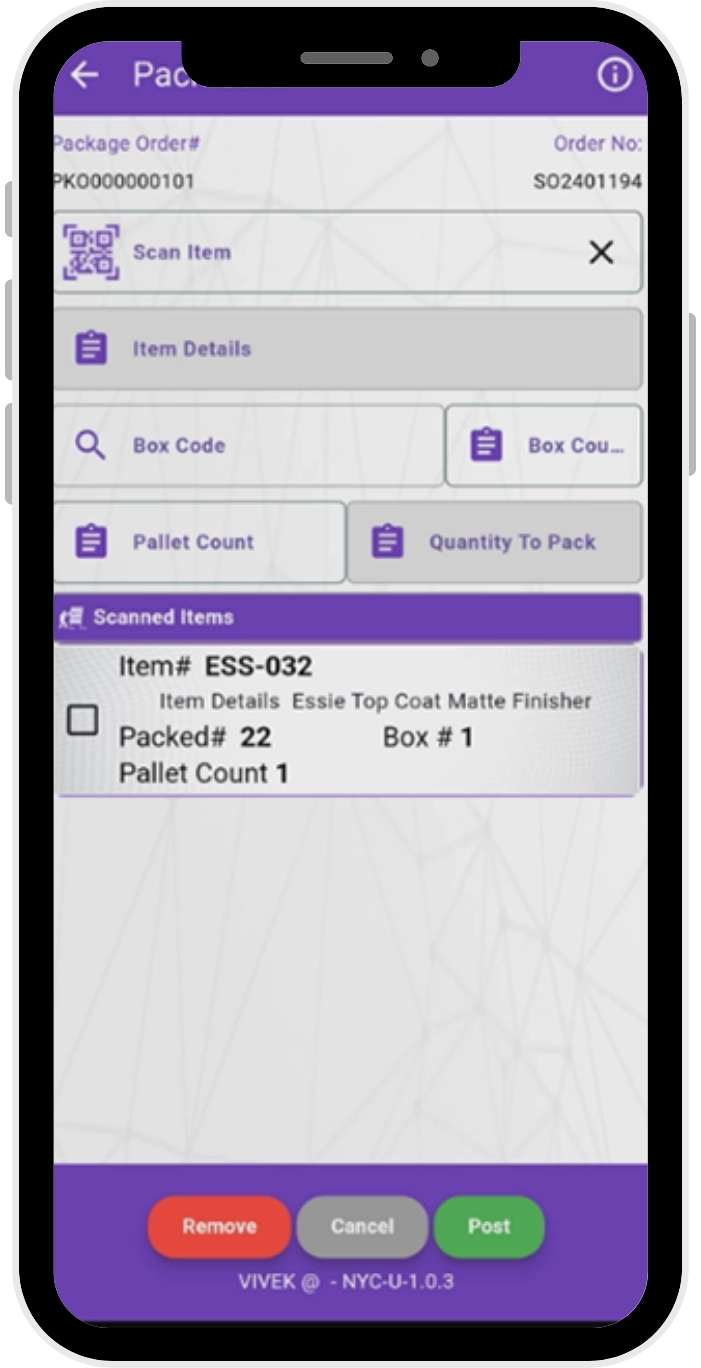
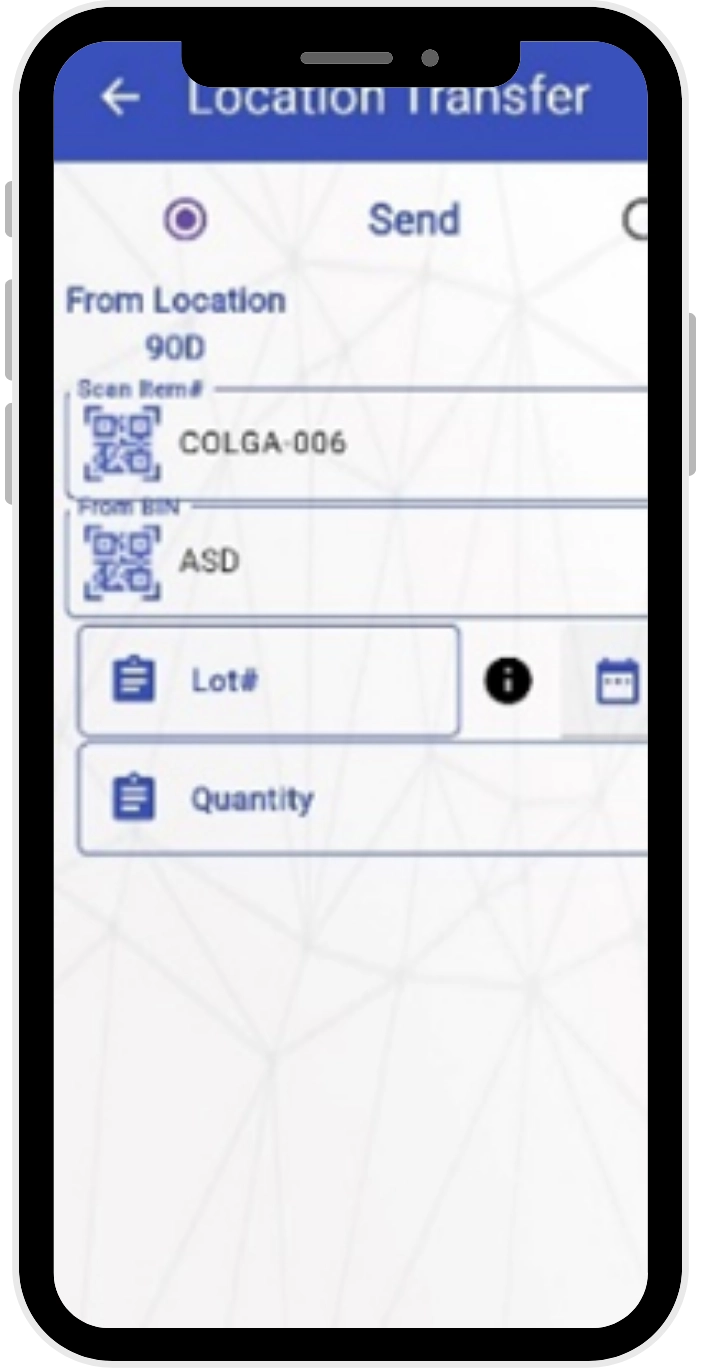
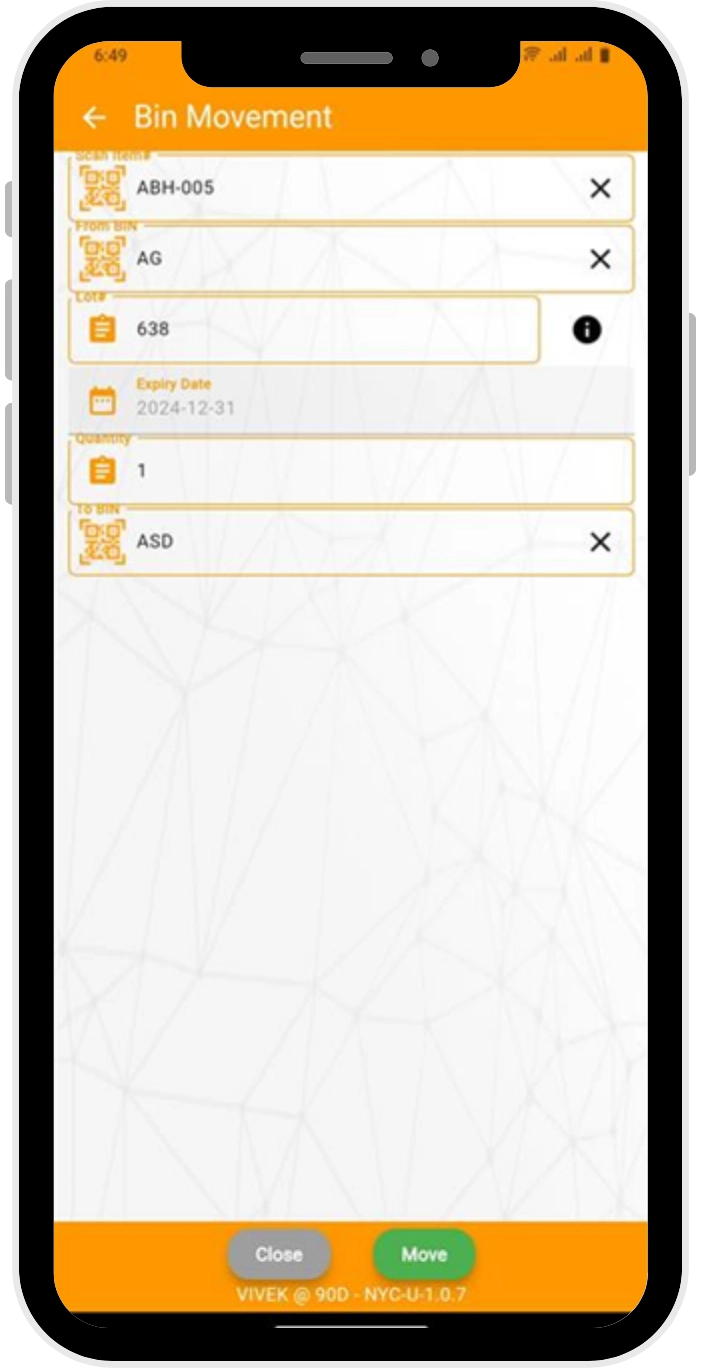
Achieve high accuracy in inventory movements with barcode & QR scanning. Significantly reduce processing time across receiving, picking, packing, and shipping.
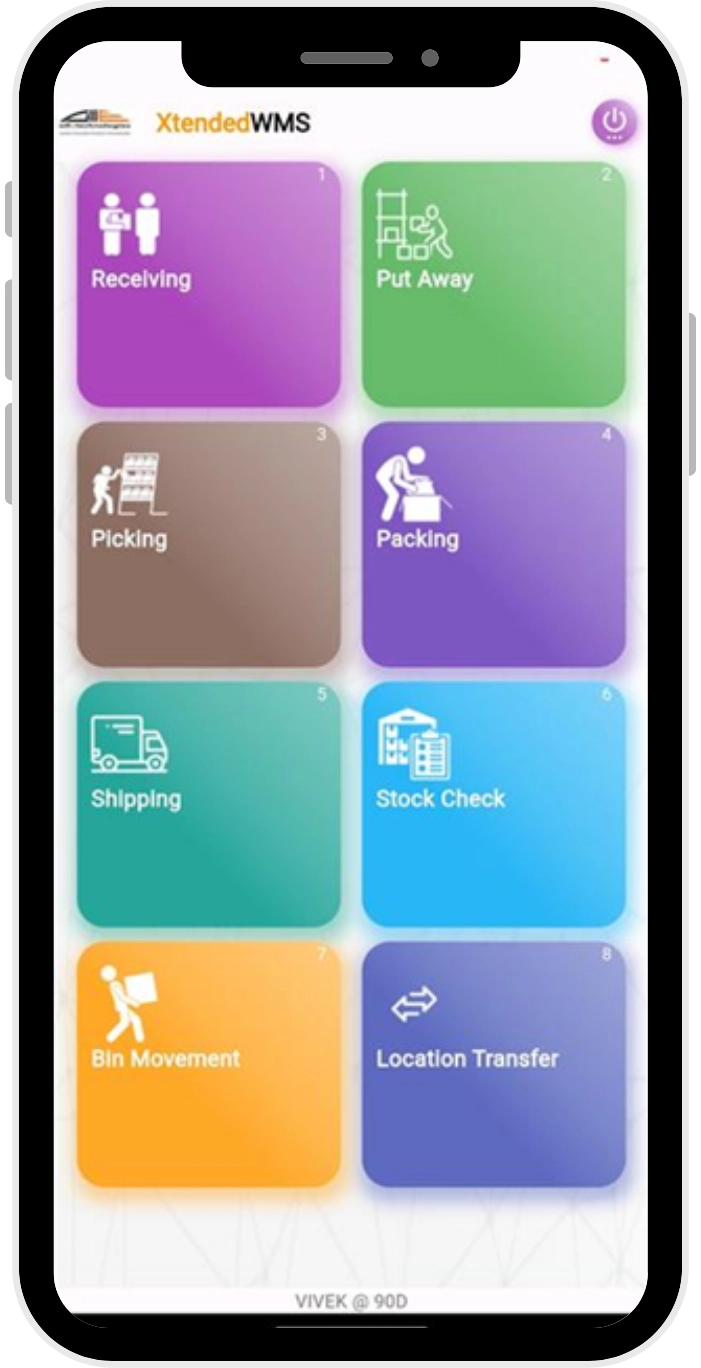
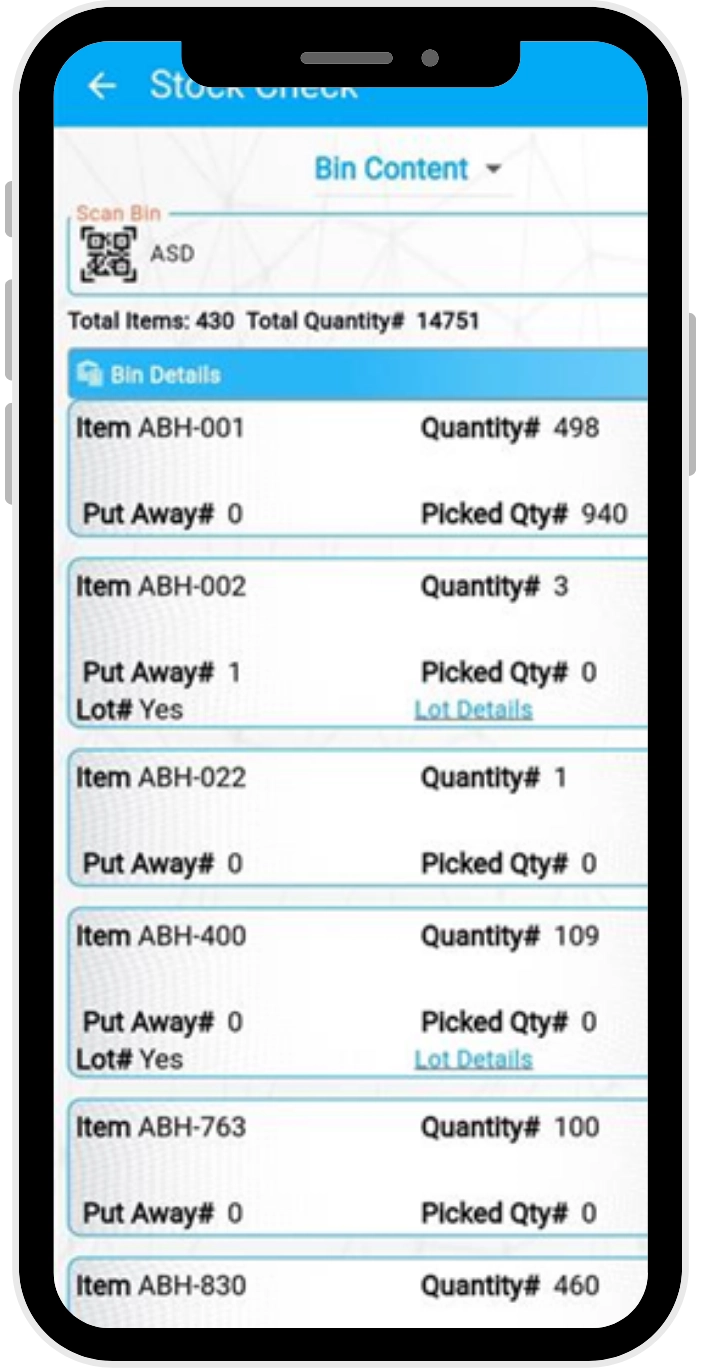
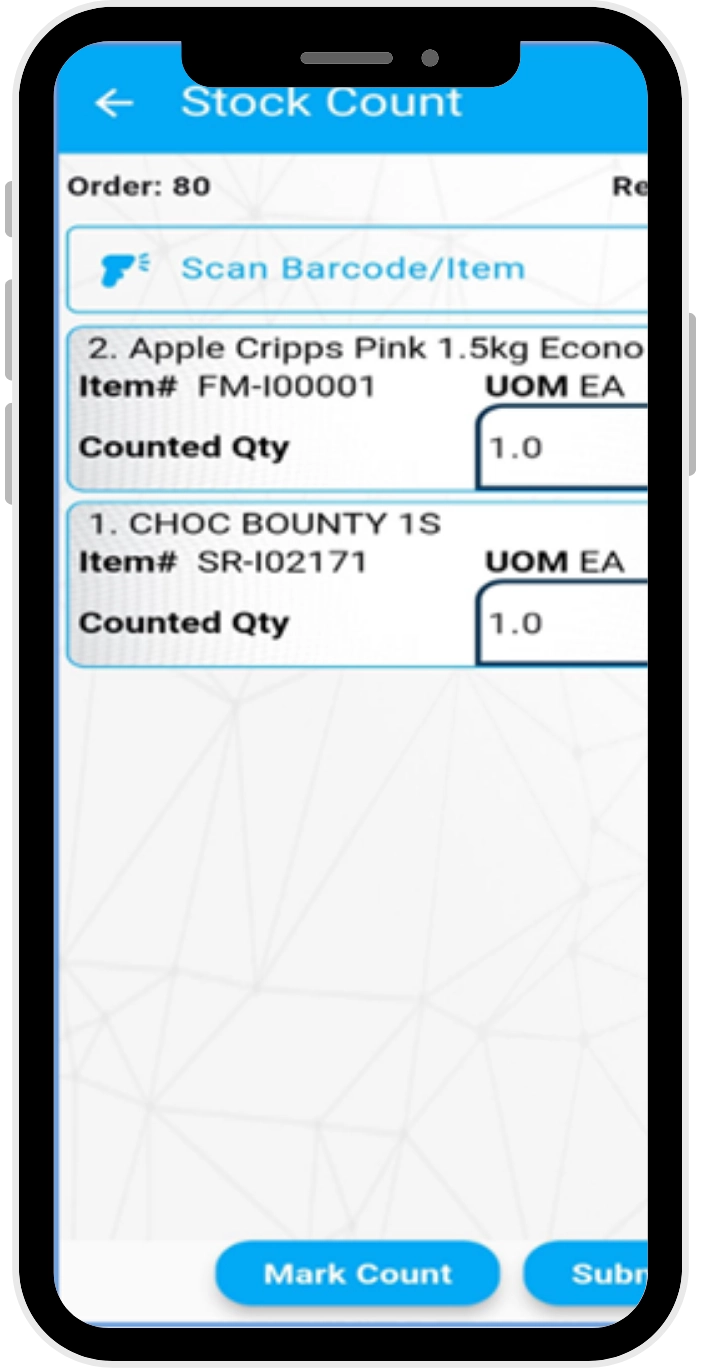
Manage your entire warehouse workflow — Receiving, Put-away, Picking, Packing, Shipping, Transfers, Inventory Checks, and Stock Takes — all from mobile scanning device.
With device-based pricing, your cost scales with devices, not users — making it highly cost-effective for growing operations.
Optimized for Android handhelds and mobile devices, the intuitive interface reduces training time and increases user adoption.
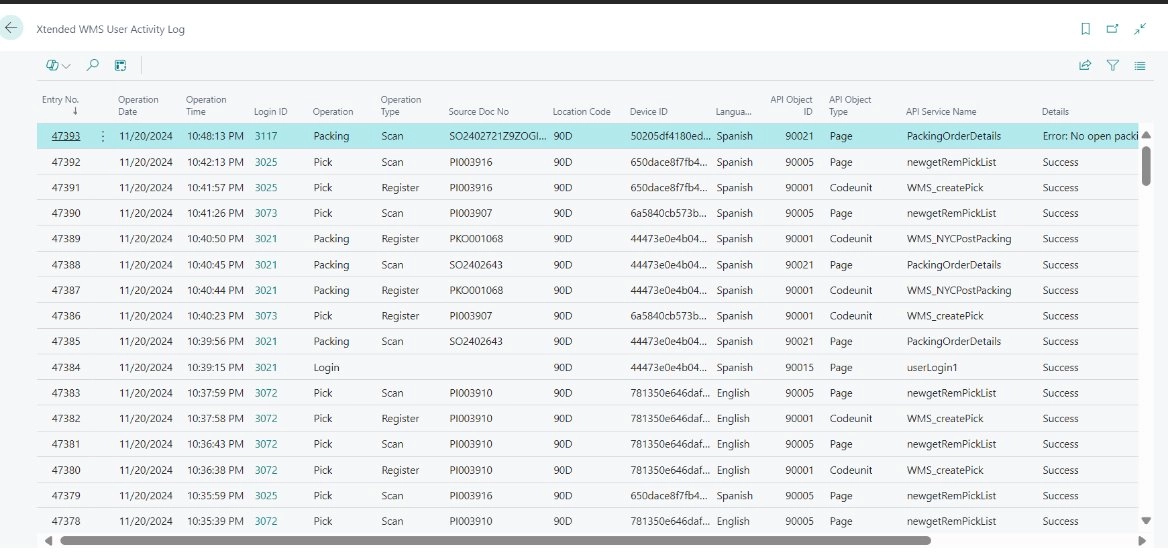
Monitor operator performance, view audit logs, and get real-time inventory snapshots — all from within your existing D365 BC environment.

XtendedWMS works natively with Business Central’s warehouse module — no middleware or duplicate databases. All transactions are instantly reflected in BC.

Built for real-world warehouse scenarios with support for full/partial receipts, multi-bin put-away, guided picking, ad-hoc transfers, and more.

Configure packing logic, container types, and workflows based on your BC setup. Easily scale across warehouses.

Dashboard-based navigation with consistent UI and multilingual support reduces onboarding friction for warehouse teams.
Discover how Alletec's XtendedWMS helped US-based New York Cosmetics streamline their warehouse operations with scanning-enabled workflows integrated into Microsoft Dynamics 365 Business Central.
Explore How Xtended WMS, Powered by Microsoft Dynamics 365 & AI, Can Streamline Warehouse Operations and Accelerate Business Growth
Yes. Xtended WMS is available on Microsoft AppSource. You can download the app directly or book a demo through the “Contact Us” page to explore how Xtended WMS fits into your warehouse operations.
Xtended WMS works natively with Business Central’s warehouse module, offering robust multi-warehouse management without the need for middleware or a local database. It uses Business Central APIs for real-time data validation and instant transaction posting, ensuring seamless integration and system integrity.
Xtended WMS consists of two components:
Xtended WMS follows a per-device subscription licensing model. There is no limit on the number of warehouse users. Warehouse users do not need to be licensed Business Central users. Instead, user setup is handled by the Warehouse Manager directly within Business Central.
Users can log in either by entering credentials or scanning a QR code on their ID cards. This allows quick and easy access — especially useful in warehouse environments where gloves are worn — enhancing both usability and productivity.
Yes. Xtended WMS uses intuitive picking flows, barcode scanning, and real-time inventory validation to minimize manual entry errors. The system also prevents picking & shipping if the inventory is unavailable, helping ensure accurate and efficient fulfillment.
Packing is a critical and often mandatory step between picking and shipping in warehouse workflows. While Dynamics 365 Business Central supports picking and shipping, it lacks dedicated packing features. Xtended WMS bridges this gap with its Packing Module, which suggests suitable box types based on the items picked. The system requires users to scan the packing order before the shipment scan — ensuring completeness and compliance with standard packing procedures.
Yes. Xtended WMS supports multiple warehouses. During login, users select their warehouse location, and the system then displays only the documents relevant to that location. The app also allows users to perform stock transfers between warehouse locations.
With barcode and QR code scanning, Xtended WMS enables accurate item identification and real-time handling of inventory and document data at every stage — from receiving to shipping. As a powerful inventory optimization software, it uses built-in automation to post warehouse documents directly from scanning devices, streamlining workflows and reducing human error.
Xtended WMS runs on Android handheld scanners and features a lightweight, user-friendly interface. It currently supports English and Spanish, with the ability to extend to other languages as needed. Users can select their preferred language at login, making adoption easy for multilingual warehouse teams.
Xtended WMS is built for real-time data validation and does not use middleware to cache data for offline sync. Therefore, it requires an active internet connection with D365 Business Central. However, for specific customer scenarios, limited offline functionality can be custom-developed as needed.
Xtended WMS logs all activities performed by warehouse workers on the scanning app, recording timestamps and user IDs directly in Business Central. Managers can view logs and generate reports to track key metrics such as daily operations, time per task, and individual worker performance, enabling data-driven decisions and process improvements.
