

Streamline Processes | Manage Uncertainties
ProActivate (Making Business Central – Business Ready)
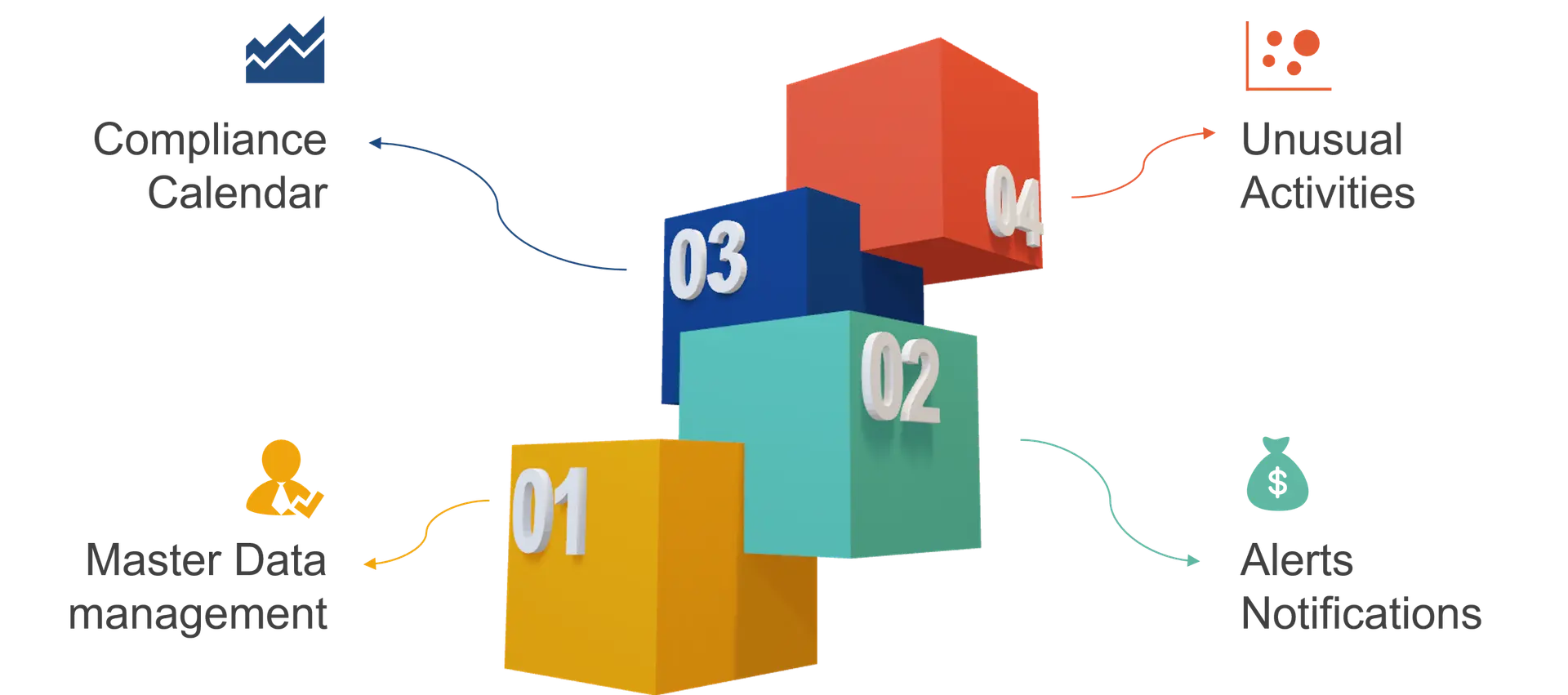
Master Data Management
- It is just not sufficient to colour code or highlight a mandatory field with an *
- Master record should not be put to use until all mandatory information has been provided
- Data validation for completeness is also needed at transaction level
Use Cases for Mandatory fields
Master Data
- Eliminates creation of bogus records for customers, vendors, items, etc.
- Company information, Dimensions and posting setups
- Block master if information is missing
Transactions
- Sales, Purchase, Production transactions to carry important information:
- Date fields
- References
- Business terms
- Document type
- Throw error if information is missing


Alerts & Notifications
- Major business scenarios for Alerts and Notifications have been Pre Configured
- Message can be formatted and context can be embedded
- Any NAV report or Page can be embedded to the message
- Message can be an email, SMS, Insight in Business Central or push notification
Use Cases of Alerts / Notifications
Setups
- On Modification of posting setups – General, customer, Vendor, item etc.
- On Modification of tax posting setups
Masters
- On new record creation – Customer, Vendor, item etc.
- On Modification:
- Credit Limit
- Payment Terms
- Address
- Discount Code
- etc
Transactions
- Release of PO to Vendor – send PO as pdf by email, notify supply chain team
- On receipt of sales Order – send order confirmation to customer by email
- If Business terms are changed on PO / SO
Receivables
- Notify when customer has overdue balance – email body carrying details of overdue invoices
- Send account statement to customer through email on monthly, quarterly or yearly basis – report as attachment


Compliance Calendar
- Multiple transactions are done outside the system, however it is important for financial reporting and compliance management that these tasks are tracked
- Tasks can be defined and tracked
- Alerts and notifications are generated
Use Cases of Compliance Management
Statutory
- Filing of Tax returns
- Tasks pertaining to preparation of tax returns
- Auditing tasks
Renewals
- Treasury instruments – bonds, mutual funds
- Insurance policies
- Company licenses

Surge & Dip Analytics
- Your ERP talks to you about any surge or dip in business.
- Reference database consisting of Value, Average, Min, Max and Count
- Unusual activities are determined basis tolerance limits defined for each KPI
Use Cases of Surge & Dip Analytics
Sales Side
- Demand – Order Counts, Value, Quantity
- Shipping Counts, Quantity
- Returns count, Value, Quantity
- By city, product category, key accounts
Cash
- Bank balance
- Receivables / Payables
Supply Chain
- Production – output, cost
- Warehouse transactions:
- Receipts
- Shipments
- Stock take
- Stock Adjustments
Financials
- Revenue – Business Unit wise, product category wise
- Expenses – category level, cost center wise
- Profit – Operating, Gross and Net

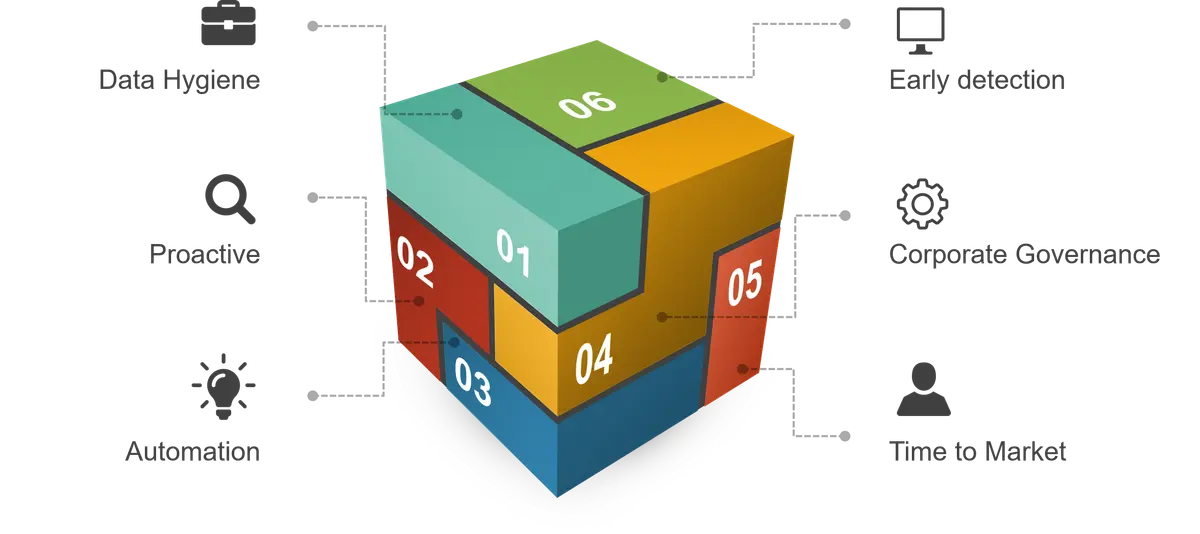
Why ProActivate
Get Started Today
Transform your business with Dynamics 365 Business Central. Contact Alletec to explore how this cutting-edge solution can empower your business for sustained growth and success.